How to Make a Website From Scratch in 10 Steps
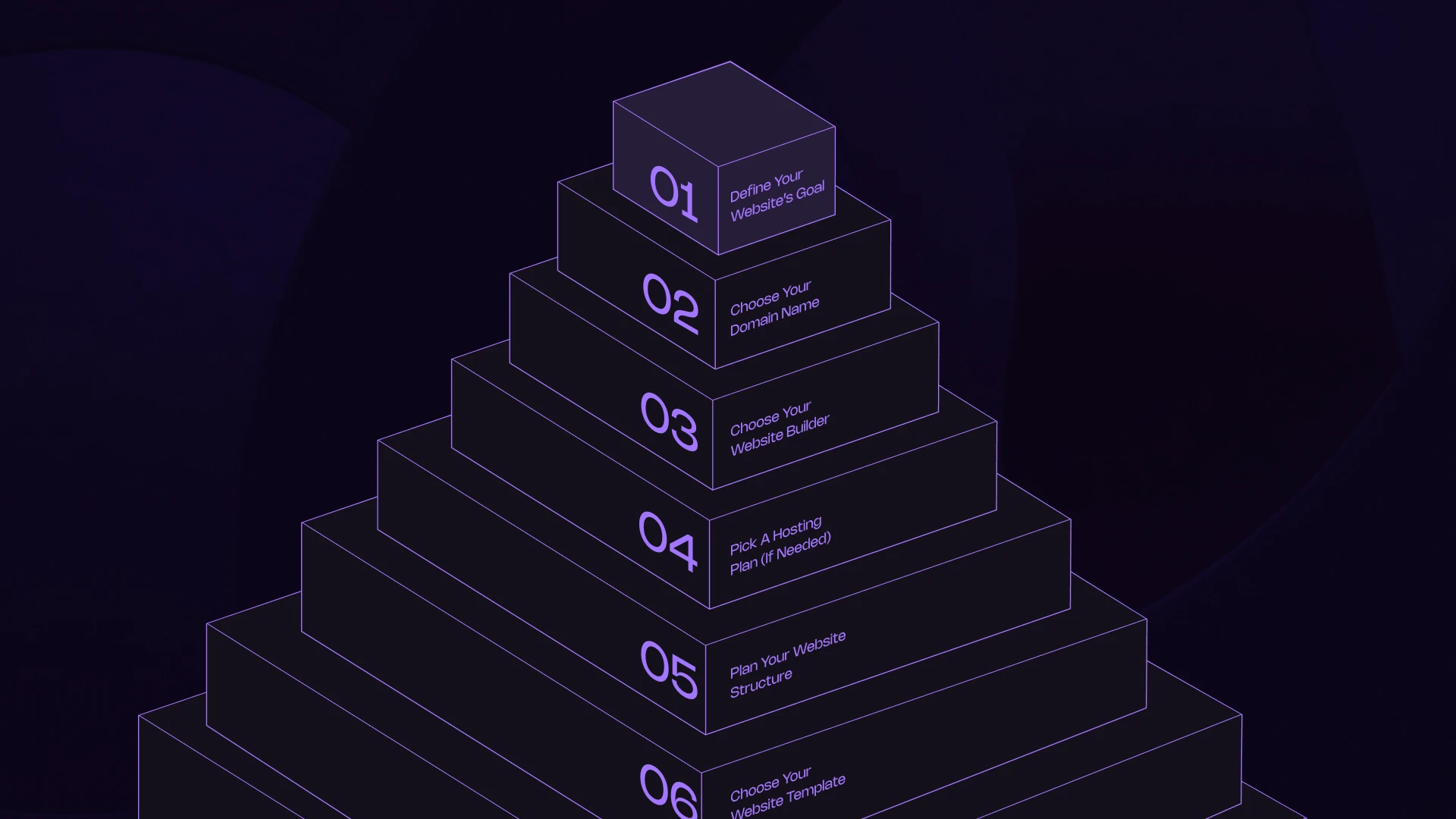
To make a website from scratch you decide what it is for, choose a domain and a builder, plan the pages, write the content, set up the basics for search, and test before you publish. You do not need to code. These are the 10 steps, and at the end a faster way: describe the website and let AI build the first version.
How do you make a website from scratch in 10 steps?
Step 1: Define your website's goal
What is the site for: showing your work, getting enquiries, sharing information, building a community, or selling products? The goal decides the structure and the design. A portfolio needs galleries, a small business site needs clear services and a way to contact you, an online store needs products and a cart, and a blog needs a place for posts. Look at a few sites like yours and note what works; keep what helps you, and add what makes you different.
Step 2: Choose your domain name
Your domain (example.com) stays with you for years: your customers use it, search engines index it, and your email can use it. Pick something short that fits your name or business; for a wedding website the couple's names work well. Check availability at a domain registrar.
Step 3: Choose how you will build it
- Write the code yourself, which gives full control but takes the most time.
- Use a visual builder where you place sections and edit text.
- Describe it to an AI builder that creates the pages and lets you change them by chatting. Compare the cost, the time you have, and how much you want to control; the plans for Divhunt Studio are on the pricing page. There is more in website builder vs coding.
Step 4: Decide where it will be hosted
A website needs a server. Some builders include hosting; with others you buy hosting separately. Read what web hosting is if the term is new.
Step 5: Plan your website structure
List everything you want to say, group it into clusters, and turn 4 to 6 clusters into your main menu. A psychologist's site might have Services with One-to-One Sessions, Group Therapy and Online Sessions underneath.
Step 6: Pick a template
Start from a template close to what you need and change the colours, the text and the sections. Check it on desktop and on a phone. Divhunt has 120+ website templates for many kinds of business, from local business and portfolio to photography and food and drink.
Step 7: Create your core pages
Start small, as a freelancer or a café would: Home, About, Services or Products, Contact (or contact details in the footer), and the legal pages your country requires. A blog is optional, but it helps with search over time.
Step 8: Write content people want
A good design gets attention; good content keeps it. Answer the questions your visitors have, in your own words, with real details, photos and examples. A photographer shows work, a coach explains how sessions go, an author shares the books. Use AI to draft if you like, but edit the result so it says something only you can say.
Step 9: Set up the basics for search
From day one: a title and description on each page, clear headings, alt text on images, a sitemap, and links between your own pages. See what each of these means in the best website builders for SEO.
Step 10: Test and publish
Test it in more than one browser and on a phone, click every link and button, and send your contact form to yourself. Then publish and check that your pages are indexed in Google Search Console.
Is there a faster way to make a website from scratch?
Yes: start with a description instead of an empty page. In Divhunt Studio you write one sentence about your business, and the AI builds your website: pages, text and layout. Then you change anything by chatting, for example "make the hero shorter" or "add a page for prices". It is free to build; you pay when you publish.
That covers steps 5 to 8 in minutes. You still do the parts only you can do: set the goal (step 1), decide what is true and worth saying (step 8), and test before you publish (step 10).
What should you remember when building from scratch?
- Plan first. Changing the structure later costs more than thinking for ten minutes now. For a business site, the business website guide has the pages to plan.
- Start small. Publish the core pages, then add more.
- Test everything. Phones, browsers, forms and links.
Build it now
Describe your business to Divhunt Studio and see the first version of your website. Start from a template if you prefer.
FAQ
How long does it take to make a website?
A simple site, such as a small business or an artist site, can take a day with a template or an AI builder. Planning the content takes longer than building.
Do I need to know how to code?
No. Visual and AI builders do not need code.
How much does it cost to make a website?
It depends on the builder and the domain. In Divhunt Studio building is free and you pay when you publish; see the pricing for plans.
Can I change the website later?
Yes. You can edit pages, text and sections after publishing.