Best Website Builders for SEO: What Actually Matters
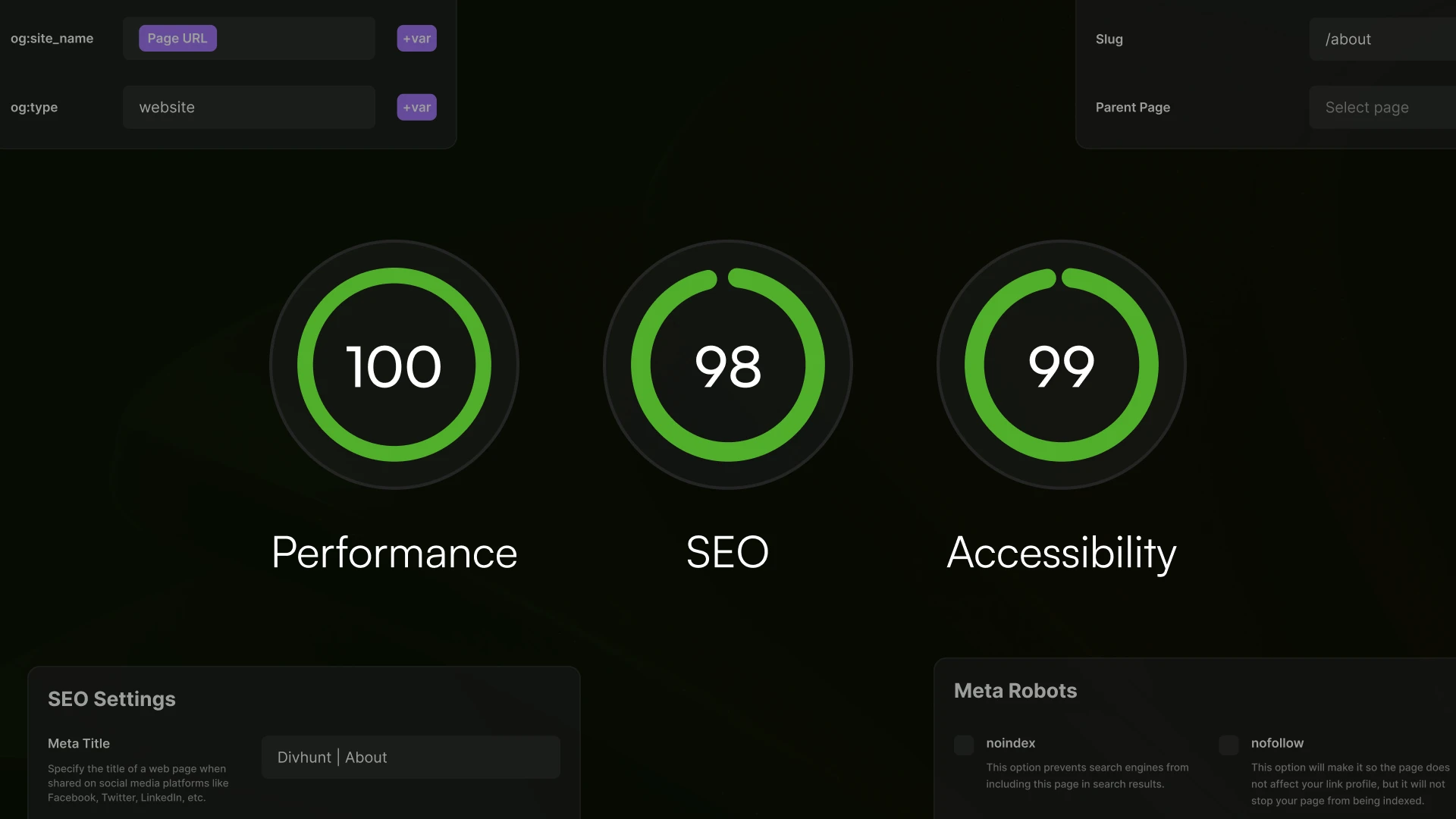
The best website builder for SEO is the one that gives every page its own title, description, headings and URL, publishes a sitemap, loads fast on a phone, and lets you write real content without fighting the tool. No builder ranks your site for you: rankings come from useful content and links. The builder's job is to not get in the way. Here is a checklist you can use on any platform, and how Divhunt Studio does each part. If you are still deciding between a builder and writing code, read website builder vs coding first.
What does a website builder need for SEO?
Check these before you choose:
- Own title and meta description per page. Search results show them, so each page needs its own, written for the query it answers.
- One H1 and a clear heading order. The page's main topic in one H1, sections in H2 and H3.
- Clean, readable URLs. Short slugs you can set yourself.
- A sitemap and a robots.txt. So search engines find every page and know what to skip.
- A canonical tag on every page. It tells Google which address is the main one.
- Social preview tags (Open Graph). The image and text shown when someone shares your link.
- Fast pages on mobile. Most searches happen on a phone, and slow pages lose visitors. Hosting matters here: what web hosting is.
- Image alt text. For accessibility and for image search.
- Redirects. When you change an address, the old one should point to the new one.
- The right language tag. The page declares its language so search engines serve it to the right people.
How do the main types of builders compare for SEO?
Instead of a feature war, think about who does the work:
- Plugin-based CMS (WordPress). Very flexible, and SEO plugins such as Yoast or Rank Math add most of the list above. You choose and maintain hosting, plugins and updates, and speed depends on those choices.
- Drag-and-drop builders (Wix, Squarespace, Webflow). The SEO settings sit in each page's panel. You fill them in page by page; the quality of the result depends on how carefully you do it.
- AI builders. You describe the site and the tool writes the pages and fills in the technical parts. The result depends on how well you describe the business, and you still check the text.
Features change, so check each platform's current documentation for what it offers today.
How does Divhunt Studio handle SEO?
With Divhunt Studio you describe your business in one sentence and the AI builds your website from it. You then change anything by chatting: the text, the pages, the look. On a published Studio site we checked, each page has its own title and meta description, one H1, a canonical tag, Open Graph tags and the page language. The site serves a sitemap.xml and a robots.txt.
What it does not replace is your part: the keywords you choose, the quality of what you write, and the links you earn. Tell the chat what each page should rank for, and ask it to write the title and description for that query.
What should you do for SEO on any builder?
- Pick one query per page. One page, one main question people ask. A café, a photographer and a consultant ask very different questions: see how we write for a café, a photographer or a small business.
- Write the title and description for that query. Keep the title short enough to show fully; the description should promise what the page delivers.
- Put real content on the page. Answer the question first, then add detail, images and examples. For a shop, that means a clear page for each product (online store); for a portfolio, one page per project (portfolio).
- Link your pages to each other. From the home page to services, from articles to the pages that sell.
- Add alt text to images that carry meaning.
- Submit your sitemap in Google Search Console and check that your pages are indexed.
- Test on a phone before you publish.
So, which website builder is best for SEO?
Choose by who you are:
- You want full control and have time: WordPress with an SEO plugin.
- You like to place every element yourself: a drag-and-drop builder. The steps are in how to make a website from scratch.
- You want a finished site fast and prefer to describe changes instead of building them: an AI builder such as Divhunt Studio.
For all of them, the content decides. You can build your first draft for free in Divhunt Studio: describe your business, see the website, and pay only when you publish. Start from one of the website templates, for example the local business ones, if you want a head start; the plans are on the pricing page.
FAQ
Which website builder is best for SEO?
The one that covers the checklist above and lets you write good content without friction. No builder guarantees rankings.
Do I need an SEO plugin?
On WordPress, usually yes. On builders with SEO settings built in, you fill in the page settings instead.
Can an AI website builder rank on Google?
Yes, if the pages have useful, specific content and the technical basics are in place. A generic text written without your input will not stand out; add your real details.
How long does SEO take to show results?
It depends on competition and on how new the site is; expect weeks to months, not days.