How to Create a Business Website, Step by Step

To create a business website you decide what you want it to say, write the core pages, choose a domain and a builder or template, add the basics for search, test it and publish. If you are in a hurry, you can describe your business to an AI builder and have a first version in minutes. Here are the 10 steps, and what to do when you need a site fast.
What do you need to create a business website?
- Your message and a simple outline of the site.
- A look at what your competitors do.
- The legal pages your country requires.
- Core texts and images.
- A domain name.
- A way to build it: a builder, a template or an AI builder.
- A template that fits your content.
- Your content on the pages.
- The basics for search.
- A test and the launch.
What if you need a business website very quickly?
You get new business cards printed, or a journalist asks for your web address. Sometimes you need a website yesterday. Today you can describe your business in one sentence to Divhunt Studio and see a first version of your site; then change anything by chatting. Building is free and you pay when you publish. If you have time, still do the planning steps below first, because a clear message makes every later step faster.
How do you build a website for a business in 10 steps?
1. Define your message and outline the site
What is your core message, and what do your potential clients need to hear? Write down your values and a summary of your services, then group them into a simple outline. Besides Home, include About and Contact, and a Services page with each service underneath. A small business site and a freelancer site usually need exactly this.
2. Check what your competitors do
Browse similar sites and note their strengths and weaknesses in design, content and usability. It gives you ideas without copying anyone.
3. Research legal requirements
Depending on your industry and country, you may need a privacy policy, a cookie notice or terms and conditions. Check the rules before you build, not after.
4. Write the core texts and gather images
About and Services pages work well at around 300 to 500 words; articles and blog posts can be longer. Use headings and lists so visitors can skim. Collect good photos and short videos that match the text.
5. Choose a domain name
Pick one that is memorable, easy to spell and fits your brand, and register it with a domain registrar. Create a business email on it, like info@example.com, and put it on your cards and your Contact page.
6. Find a way to build that matches your skills
- A visual builder if you want to place everything yourself.
- An AI builder if you prefer to describe the site and change it by chatting, as in Divhunt Studio. See the pricing for the plans.
- Code only if you have a developer; the trade-offs are in website builder vs coding.
7. Select a template that suits your content
If you only have a few good photos, choose a text-led template; if you need galleries for your work, choose one built for images. You can start from a local business template or a professional services template. You can change the design later without losing your content.
8. Populate the site
Add your texts and images. Compress photos (ideally under 250 KB each), give files short descriptive names such as legal-services-boston.png, and write alt text that describes the image.
9. Check your SEO basics
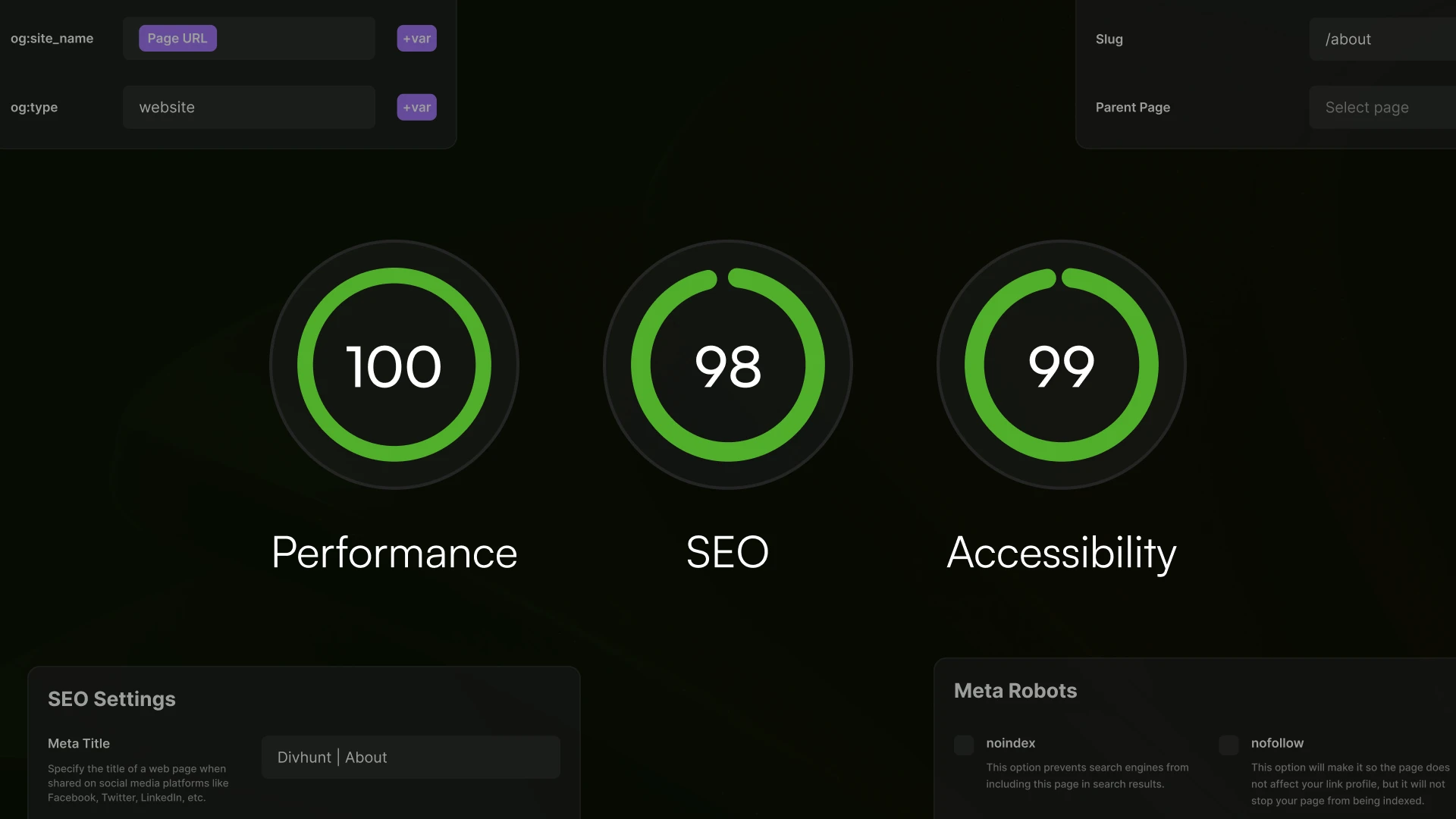
Use relevant keywords in your content, page titles and descriptions, create a sitemap and submit it to search engines. The full checklist is in website builders for SEO.
10. Review, test and launch
Look for errors, test links, forms and navigation on different devices and browsers, then publish. If you are unsure where it will live, read what web hosting is.
What kind of business website do you need?
The steps are the same; the content differs. A café needs a menu and opening hours, a clinic needs services and booking details, a coach needs a clear offer, and an online store needs products and a cart. For a shorter version of the same process, see how to make a website from scratch.
FAQ
How do I create a business website for free?
Use a builder that lets you build for free. In Divhunt Studio building is free and you pay when you publish.
How much text does a business website need?
Enough to answer your visitors' questions: around 300 to 500 words for core pages.
Do I need a developer?
No, for a standard business site. A visual or AI builder is enough.