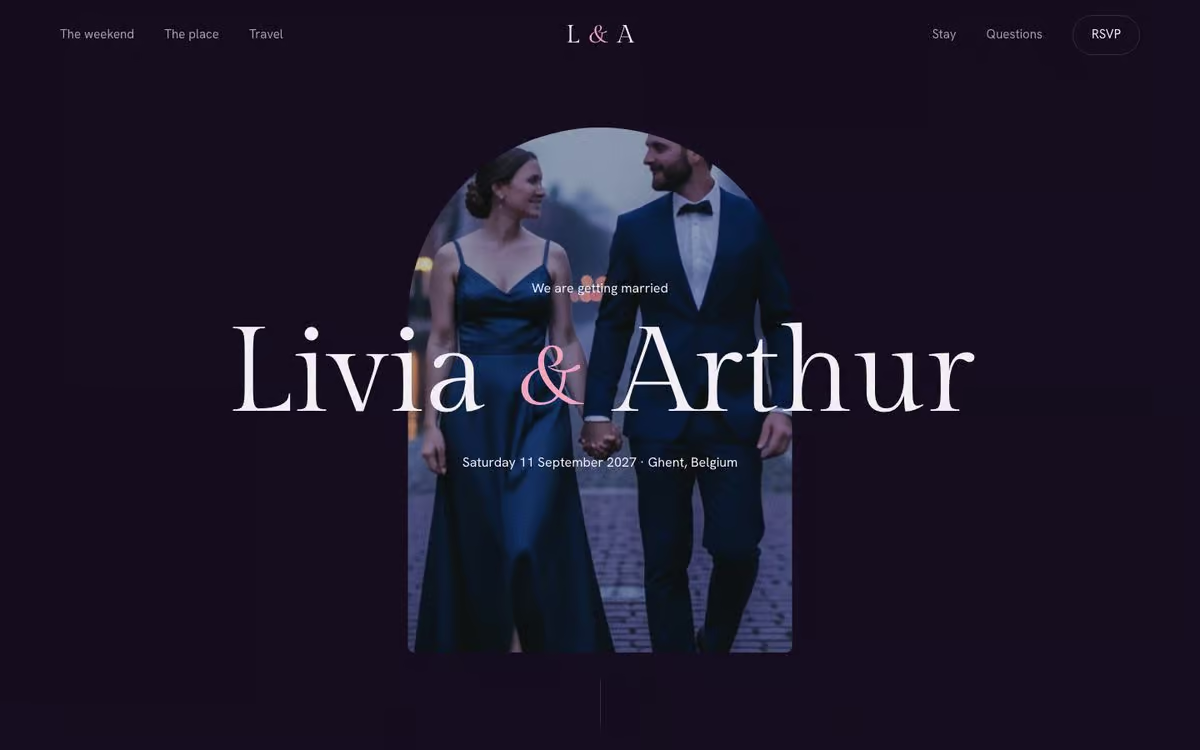
 Wedding website
500 free credits + 6 months of Business free · +1,000 credits when you add a card
Your wedding website, free
Your story, the day's schedule, travel info and RSVP — ready to share.
Free until 24 May 2027, cancel anytime
Gotov sajt, prilagođen vama jednom rečenicom. Izaberite jedan, a Studio menja tekstove, slike i boje.
Svi šabloniA wedding website answers the questions your guests would otherwise send you one by one: where it is, what time to arrive, how to get there, where to stay, what to wear and how to reply. You build it once, share one link, and every guest finds the same, up-to-date answers. It also gives you a place to tell your story and, for save-the-dates, a countdown to the day.
Every wedding template in Divhunt Studio starts with the pages guests look for:
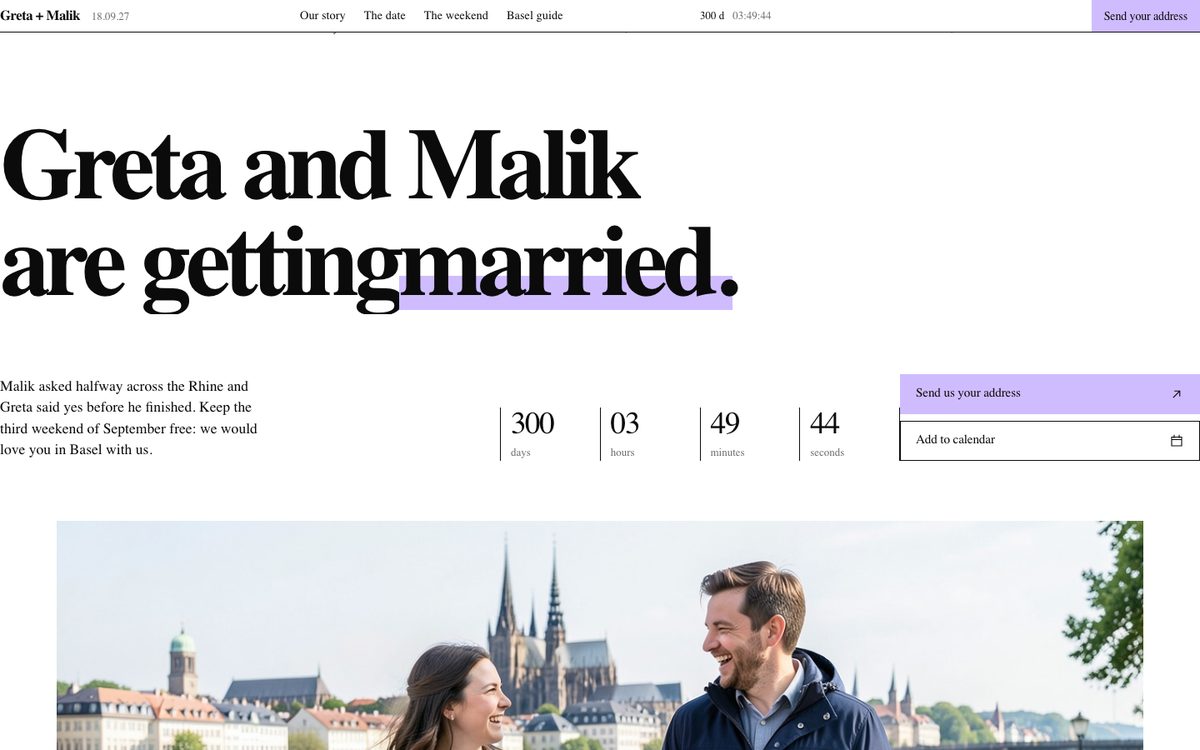
Some templates add a story page, a city guide or a form for guests to send their address for the paper invitation.
You do not need design skills, and you can come back and change things whenever plans change.
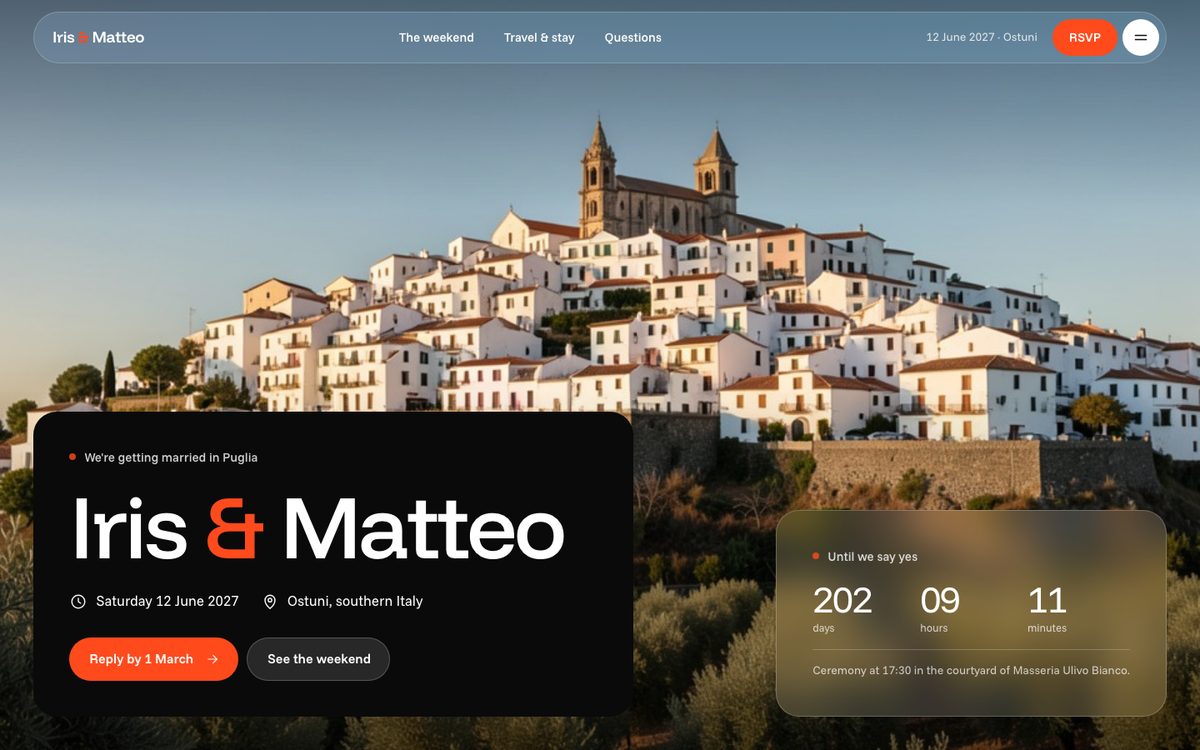
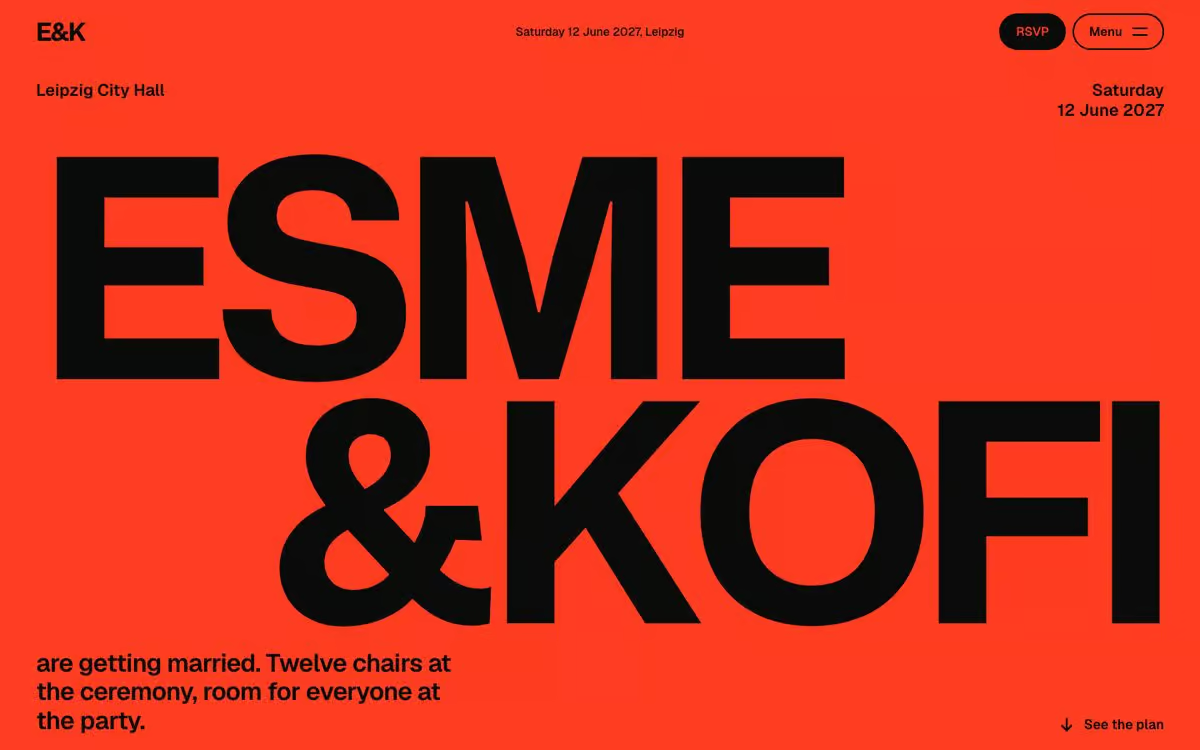
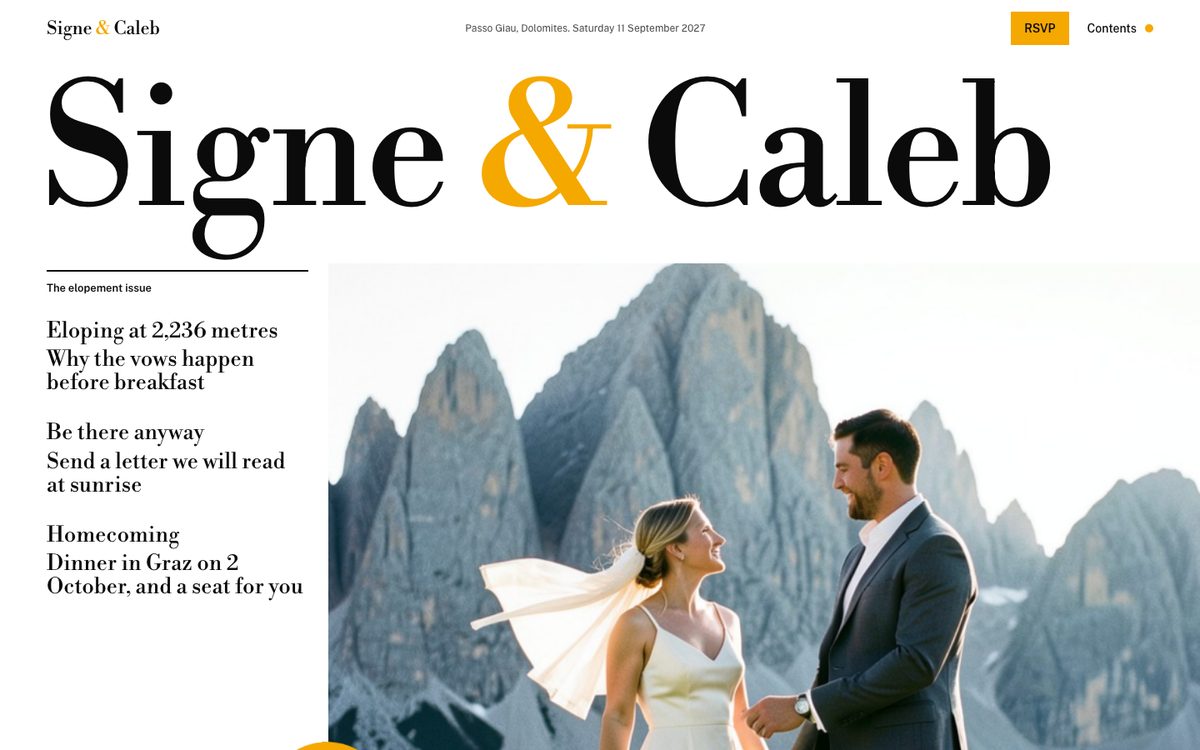
The wedding website templates cover the most common kinds of day:
Planning weddings for others? There is also a wedding planner template.
Send it with the save the date if you can, so people can plan travel and rooms. Update it as plans firm up: the schedule, the final venue details, the reply-by date. The earlier guests see the site, the fewer questions reach your phone.
Everything you may ask before you start.
Yes. Every wedding template has an RSVP section. Depending on the template, guests fill in a form or reply by email, with a reply-by date.
No. You describe what you want and change it by chatting. Photos, colours and wording can all be changed that way.
Yes. Open it again and tell Studio what changed, for example a new venue or an updated schedule.
Yes. There is a save-the-date template with a countdown and a form for guests to send their address. See also website templates for other occasions.
Yes: see the elopement and city hall templates above. Related: website for photographers, website for small business.